Managing your money can feel overwhelming, especially when you’re just starting out. Whether you’re fresh out of school, trying to save for a big goal, or simply want to understand where your cash is going, finding the right tools can make all the difference. Luckily, there are plenty of free budgeting tools that can help you get your finances in order without costing you a dime.
In this guide, we’ll explore the best free budgeting tools for beginners. These apps and resources are designed to make your financial journey a little smoother. From simple budget trackers to robust personal finance apps, there’s something here for everyone.
Why Choose Free Budgeting Tools
Let’s be real not everyone can afford fancy financial software, and honestly, you don’t need it to get started. The beauty of free budgeting tools is that they provide essential features without the hefty price tag. They’re perfect for beginners because they help you learn the ropes of budgeting without the fear of wasting money.
Plus, most budgeting apps for beginners offer a user-friendly interface, so you won’t get lost in a sea of financial jargon. And let’s not forget the satisfaction of seeing your savings grow while using a free tool!
Best Free Budgeting Tools for Beginners
Mint Free Budgeting Tools for Tracking Everything
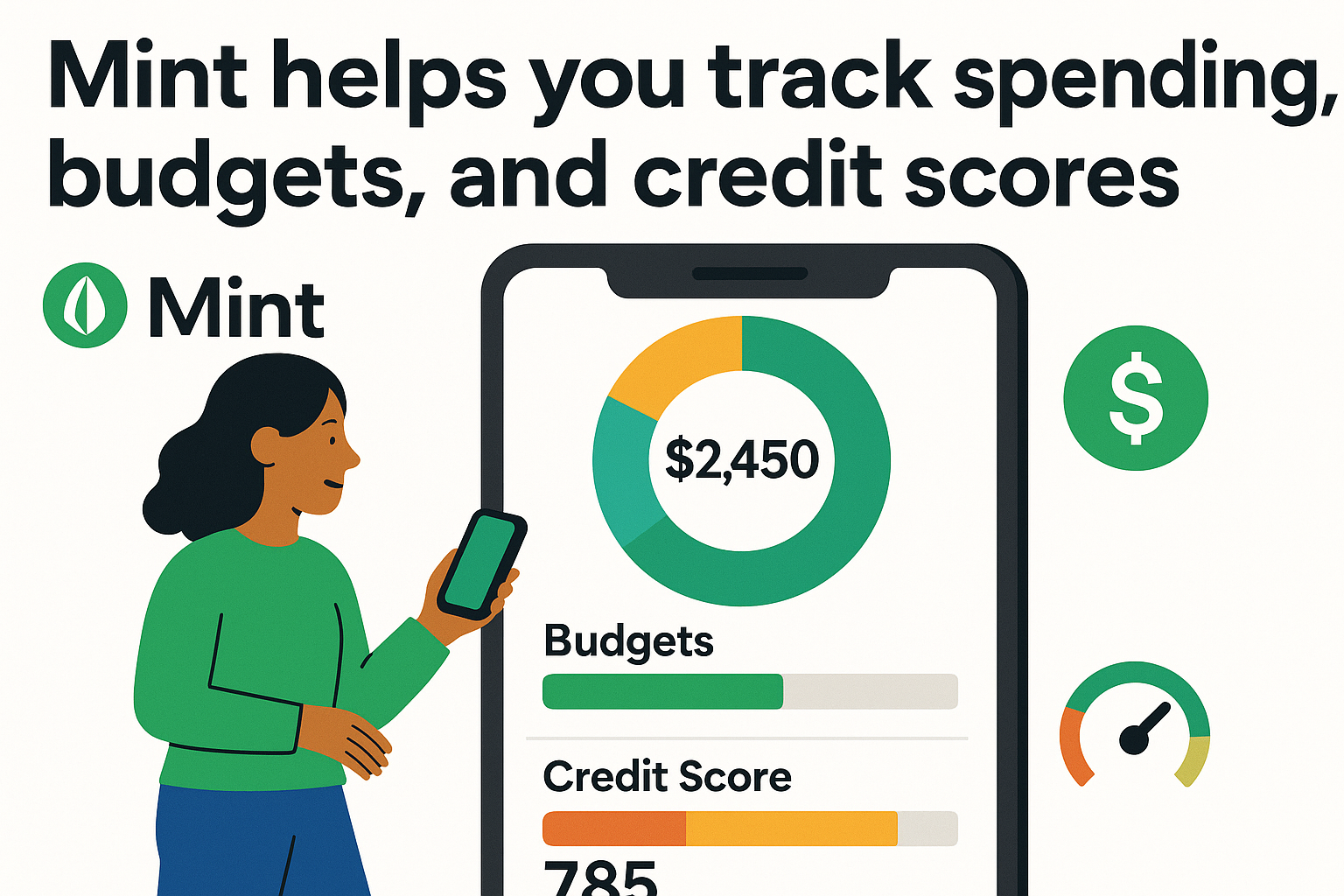
Mint is a long-time favorite among free budgeting tools. It connects all your accounts in one place, tracks your spending, and even offers credit score monitoring.
- Key Features:
- Automatic expense tracking
- Budget categorization
- Alerts for bill payments
- Credit score tracking
Mint is great for those who want an all-in-one solution. If you’re looking for an easy, no-fuss way to manage your money, Mint is definitely worth a try.
Goodbudget Free Budgeting Tools for Envelope Budgeting
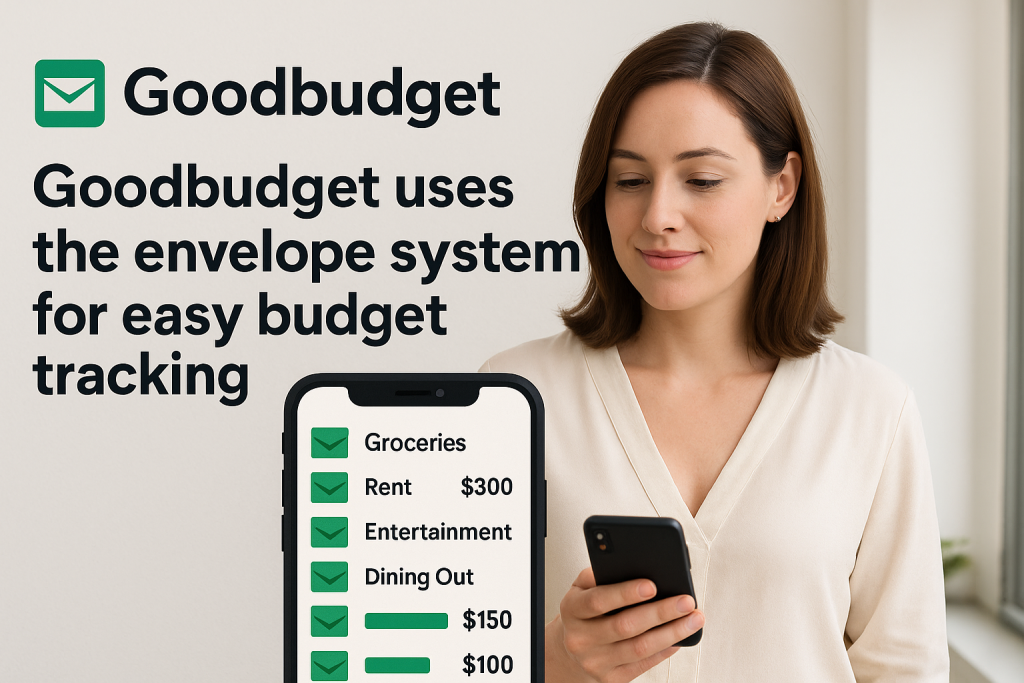
Goodbudget brings the classic envelope budgeting system into the digital world. It’s simple, clean, and designed for those who like to plan ahead.
- Key Features:
- Digital envelope system
- Track savings goals
- Sync across devices
Goodbudget is a fantastic option for couples or individuals who like to see exactly where every dollar goes. Plus, it’s one of the most intuitive free budgeting tools for beginners.
EveryDollar Free Budgeting Tools for Zero-Based Budgeting
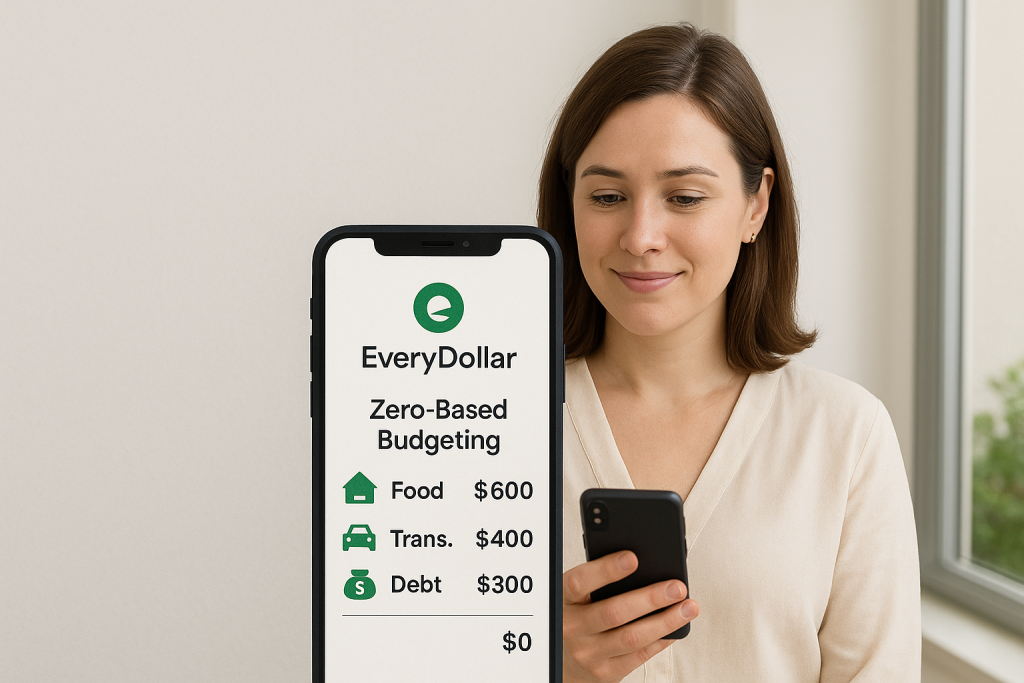
EveryDollar, created by financial guru Dave Ramsey, focuses on the zero-based budgeting method. Every dollar you earn is assigned a purpose, so you know exactly how much you have left to spend.
- Key Features:
- Zero-based budgeting
- Simple drag-and-drop interface
- Expense tracking
If you’re serious about giving every dollar a job, EveryDollar is a solid personal finance app to help you stick to your goals.
PocketGuard Free Budgeting Tools for Quick Spending Insights
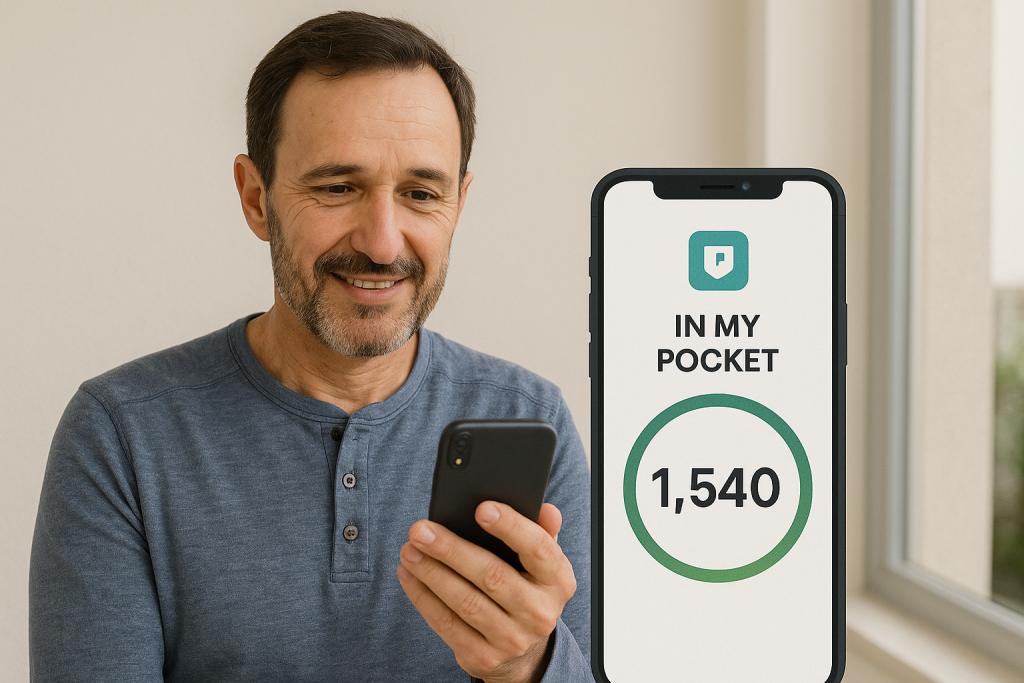
PocketGuard is like a financial snapshot that tells you exactly how much you can spend right now. It’s straightforward and great for those who want instant clarity.
- Key Features:
- “In My Pocket” number
- Bill tracking
- Subscription cancelation feature
If you’re the type of person who needs to know your safe spending limit at a glance, PocketGuard is an excellent money management app for starters.
Spendee Free Budgeting Tools for Visual Learners
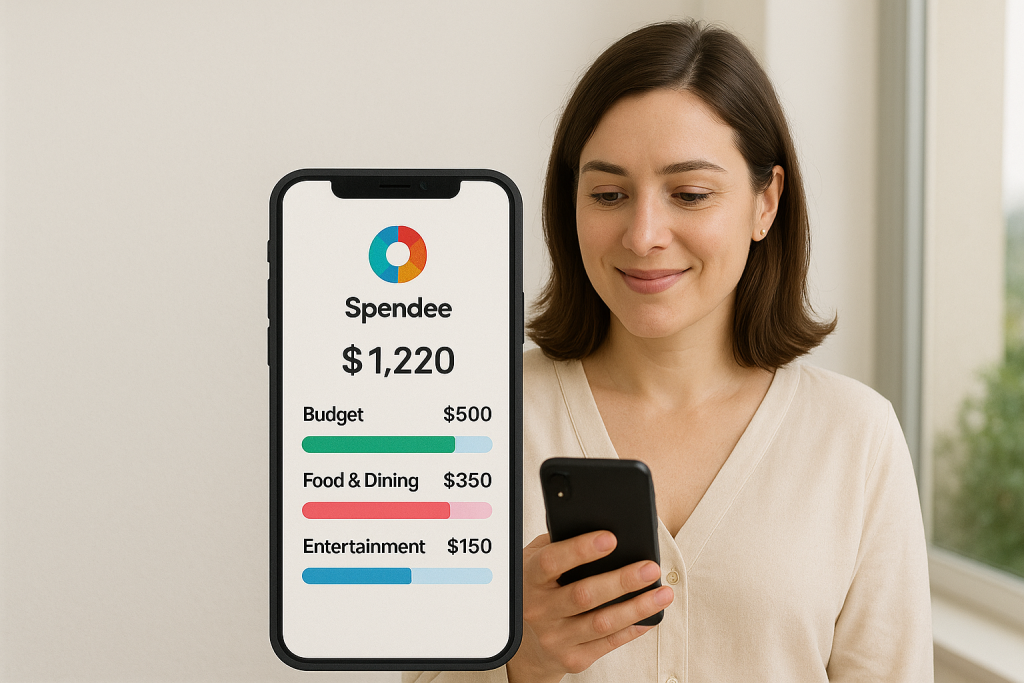
Love visuals? Spendee offers colorful graphs and charts that make it easy to see your financial habits.
- Key Features:
- Visual budget tracking
- Shared wallets for group budgeting
- Currency support for travelers
Spendee is fun, friendly, and perfect for beginners who learn best through visuals.
How to Get Started with Free Budgeting Tools
Alright, so you’ve seen the options now what? Here are a few tips to make the most of free budgeting tools:
- Pick one that fits your style. Are you a planner, a visual learner, or someone who needs simplicity?
- Set a budget goal. Whether it’s saving for a vacation, paying off debt, or just understanding your spending habits, having a goal makes it easier to stay motivated.
- Stay consistent. Budgeting is a habit. Check in with your app regularly, track your progress, and adjust as needed.
So, which free budgeting tool do you think fits your style? Drop your thoughts in the comments, share this article with friends who could use some financial clarity, and don’t forget to check out our other helpful guides!
FAQ
Q: Do I need to be good at math to use these free budgeting tools?
A: Not at all! Most free budgeting tools handle the math for you. Just plug in your numbers, and let the app do the rest.
Q: Can I use more than one budgeting tool at the same time?
A: Sure! Some people like to experiment. Just make sure you don’t get overwhelmed by too much data.
Q: Are these tools really free, or are there hidden costs?
A: Most free budgeting tools offer a basic version at no cost. Some have premium features, but you can stick to the free version and still get great value.
Happy budgeting!